
Microsoft Teams for Android
1416/1.0.0.2026163804 · Microsoft Corporation · Page updated
Microsoft Teams for Android is the mobile app for Teams chats, channels, meetings and calls, published by Microsoft Corporation.
Rate Microsoft Teams
Average 0.0 · ratings: 0
Thank you! Your rating is saved; you can change it. Could not save the rating. Please try again later. Too many ratings from your network today. Please try again tomorrow. The average appears after 5 ratings.
Screenshots
About Microsoft Teams
Microsoft Teams for Android is Microsoft's collaboration and video-conferencing app for phones and tablets, and you can download it free from Google Play. It lets you follow work or school chats, join meetings and share files when you are away from your computer. The answers below cover what people most often ask before installing it.
What does the Teams app do on a phone?
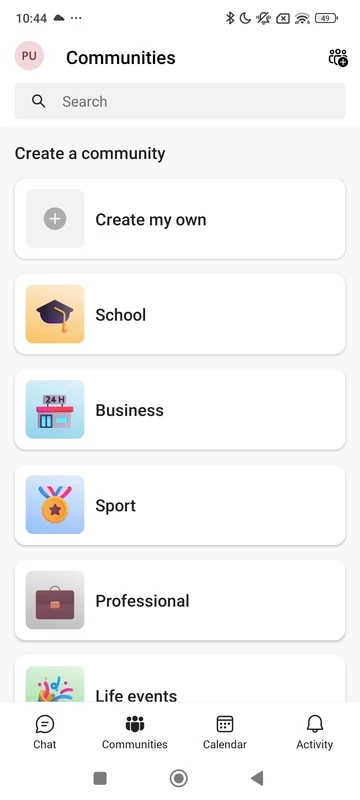
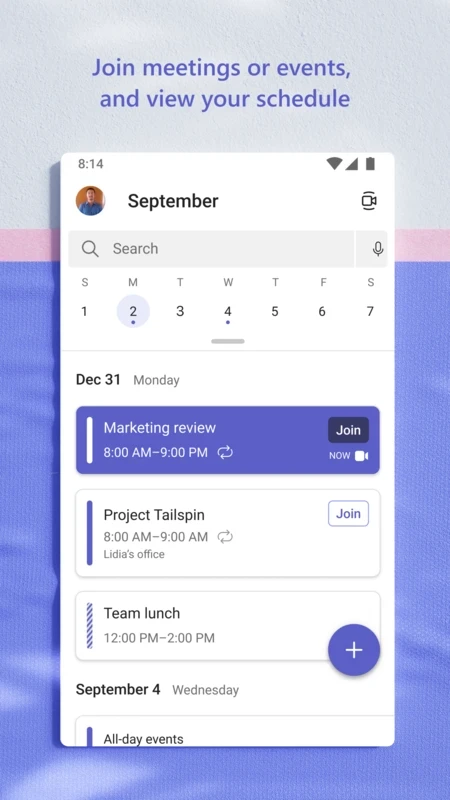
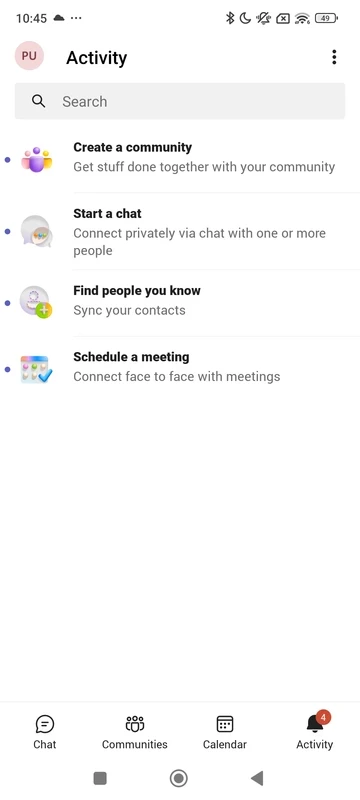
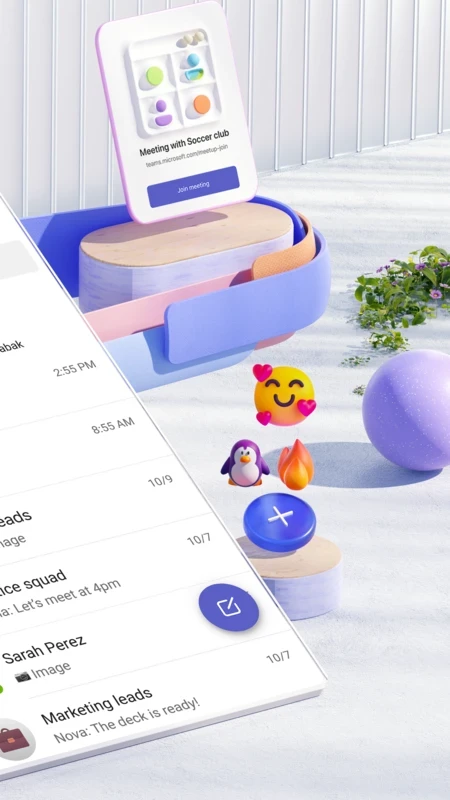
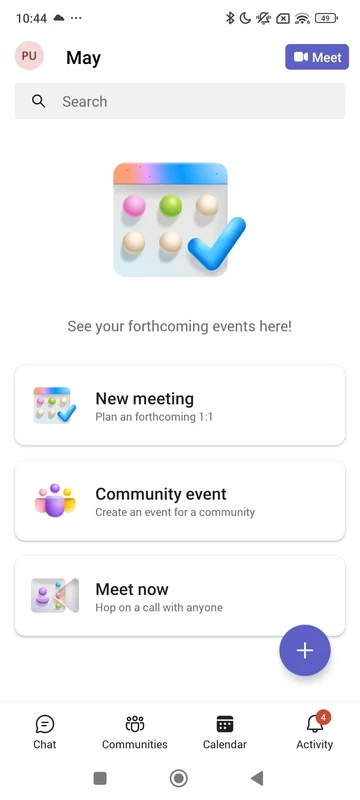
It mirrors the desktop experience in a mobile layout. Your teams and channels are listed in one tab, chats in another, and the calendar shows upcoming meetings with a Join button. During a call you can switch the camera on or off, share your phone screen, raise a hand or type in the meeting chat. Files shared in channels open in the matching Office app. Because notifications arrive on the phone, many people install Teams on Android even if they spend most of the day at a desk, simply so they do not miss a mention or a call while on the move. Teams also works with a personal Microsoft account for chats with friends and family.
Which version is this?
Google Play always installs the current build, updated in September 2026. Microsoft uses long build numbers for the Android app, so they look different from the version shown on your PC. The file size is about 422.22 MB according to catalogue data.
How do I install it?
- Open Google Play and search for Microsoft Teams.
- Confirm the developer is Microsoft Corporation and tap Install.
- Sign in with your work, school or personal account.
- Allow notifications and microphone access so calls ring through.
Microsoft also explains the mobile setup in its guide to the Teams mobile app.
Will it work on my phone?
Google Play checks the system requirements for you and shows the Install button only on compatible devices. Leave enough free storage: the app is large and keeps cached files from chats and channels.
Is Microsoft Teams free?
Yes, the app is free to download. Personal use is free with some limits; organisations pay for Teams through Microsoft's business plans, and your employer or school handles that.
Is it safe to use for work?
The Google Play version is published by Microsoft and is safe. Your organisation may ask you to install a management app or set a PIN before you can open work data, which is normal. Avoid Teams APK files from other sites, and never enter your work password on a page you reached from an unexpected link.
What are the pros and cons?
- Pro: join meetings and answer chats from anywhere.
- Pro: same account and history as on the desktop.
- Con: heavy app that takes a lot of storage.
- Con: notifications need tuning to avoid overload.
What are the alternatives?
Zoom Workplace and Google Chat serve similar purposes on Android. For personal messaging, Telegram and WhatsApp Messenger are lighter options in the same category.