
WhatsApp Desktop
WhatsApp Desktop is the official WhatsApp app for Windows, letting you chat and call from your PC with the account on your phone.
339.2 MB

26198.304.4946.9672 · MICROSOFT · Page updated
Microsoft Teams is Microsoft's collaboration and video-conferencing app for chat, meetings, calls and shared files at work, school or home.
Average 0.0 · ratings: 0
Thank you! Your rating is saved; you can change it. Could not save the rating. Please try again later. Too many ratings from your network today. Please try again tomorrow. The average appears after 5 ratings.
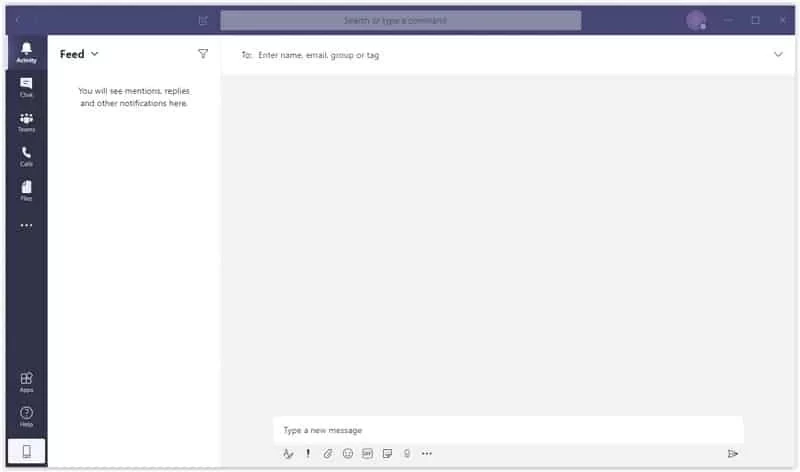
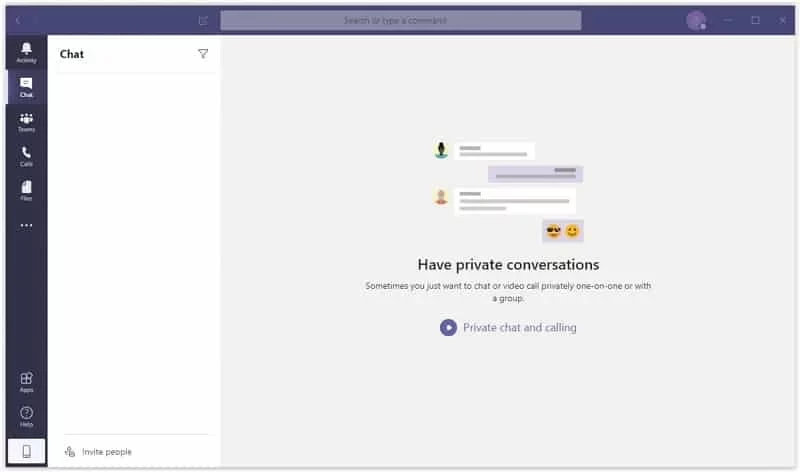
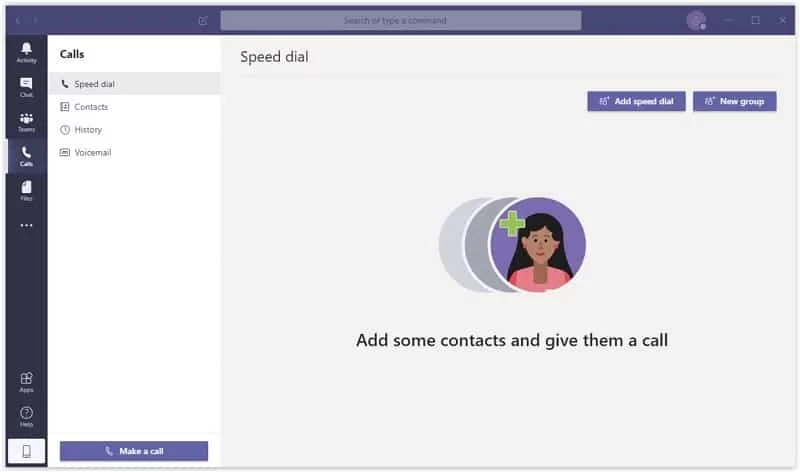
Microsoft Teams 26198.304.4946.9672 for Windows is the desktop client of Microsoft's team collaboration and video-conferencing application, and you can download it free from Microsoft. It brings chats, channels, meetings, calls and shared files into one window on your PC.
| Program | Microsoft Teams |
|---|---|
| Version | 26198.304.4946.9672 |
| Developer | Microsoft |
| License | Freeware (proprietary) |
| Launched | November 2016, first release 2017 |
| Also available for | macOS, iOS, Android, web browsers |
| Updated | September 2026 |
| Size | about 270.85 MB according to catalogue data |
Teams started as a workplace chat tool and grew into the hub many organisations run their day from. Conversations are organised into teams and channels, so a project, a class or a department keeps its messages, files and meeting notes together instead of spreading them across email threads. From there you can start a video meeting, share your screen, record a call or co-edit a document with colleagues. Schools use it for lessons and homework, companies for everything from daily stand-ups to large town-hall meetings. There is also a personal side: the same app handles group chats and calls with friends and family if you sign in with a personal Microsoft account.
Microsoft publishes the full list on its Teams client requirements page. For the Windows desktop app the key figures are:
On company computers, Teams is often deployed by IT, so check with your administrator before installing a separate copy. Version history for managed deployments is kept in Microsoft's Teams app versioning notes.
The Store version and Microsoft's own site are the only sources you need. Be wary of emails inviting you to "update Teams" through an unfamiliar link, a common phishing pattern. Organisation admins control external access, so messages from outside your company are usually labelled.
The app is free. A free personal plan covers chats and meetings with some limits; business features come with Microsoft's paid business subscriptions.
Zoom and Google Meet are simpler choices for video calls. For community chat with voice channels, Discord sits in the same category.
WhatsApp Desktop is the official WhatsApp app for Windows, letting you chat and call from your PC with the account on your phone.

WhatsApp Viewer is a free Windows tool by Andreas Mausch that opens WhatsApp chat databases from Android and displays the conversations on a PC.

Zoom Meeting is the desktop client of Zoom's video-conferencing service for calls, webinars, screen sharing and chat on Windows.

Camo Studio is Reincubate's desktop app that turns an iPhone, iPad or Android phone into a high-quality webcam for a Windows PC or Mac.

Google Meet is Google's video meeting app. On Windows it runs from the browser and can be installed as an app, with no separate installer to download.

Facebook for Windows is the desktop app of Meta's social network, with the news feed, groups, pages and notifications in a separate window.

Telegram Desktop is the official Windows client of the Telegram messenger, with chats, groups, channels and file sharing synced from the cloud.

Telegram Web is the browser version of the Telegram messenger: open it on a Windows PC, log in with your phone and chat without installing anything.